Reporting & analysis
The big picture.
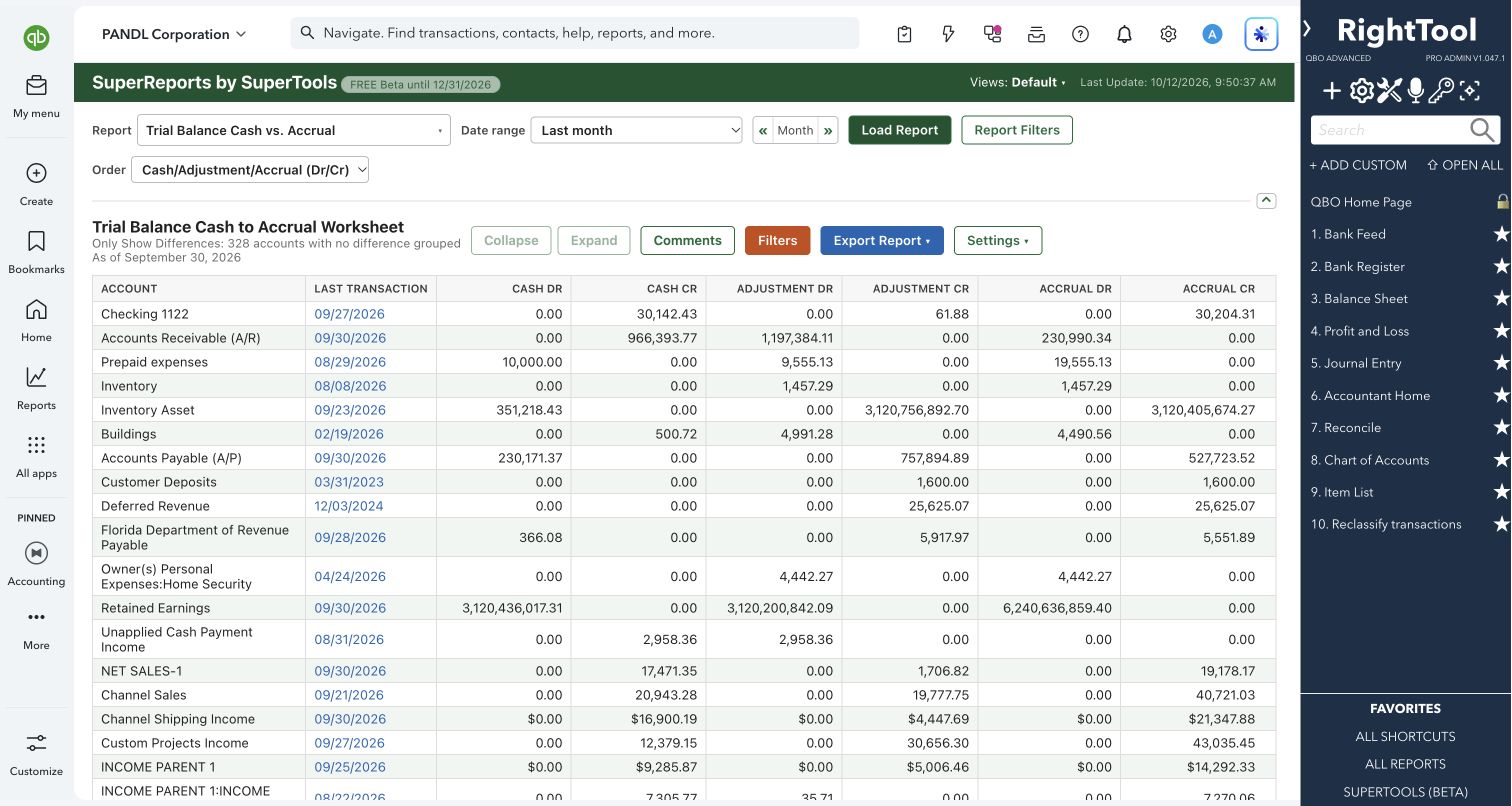
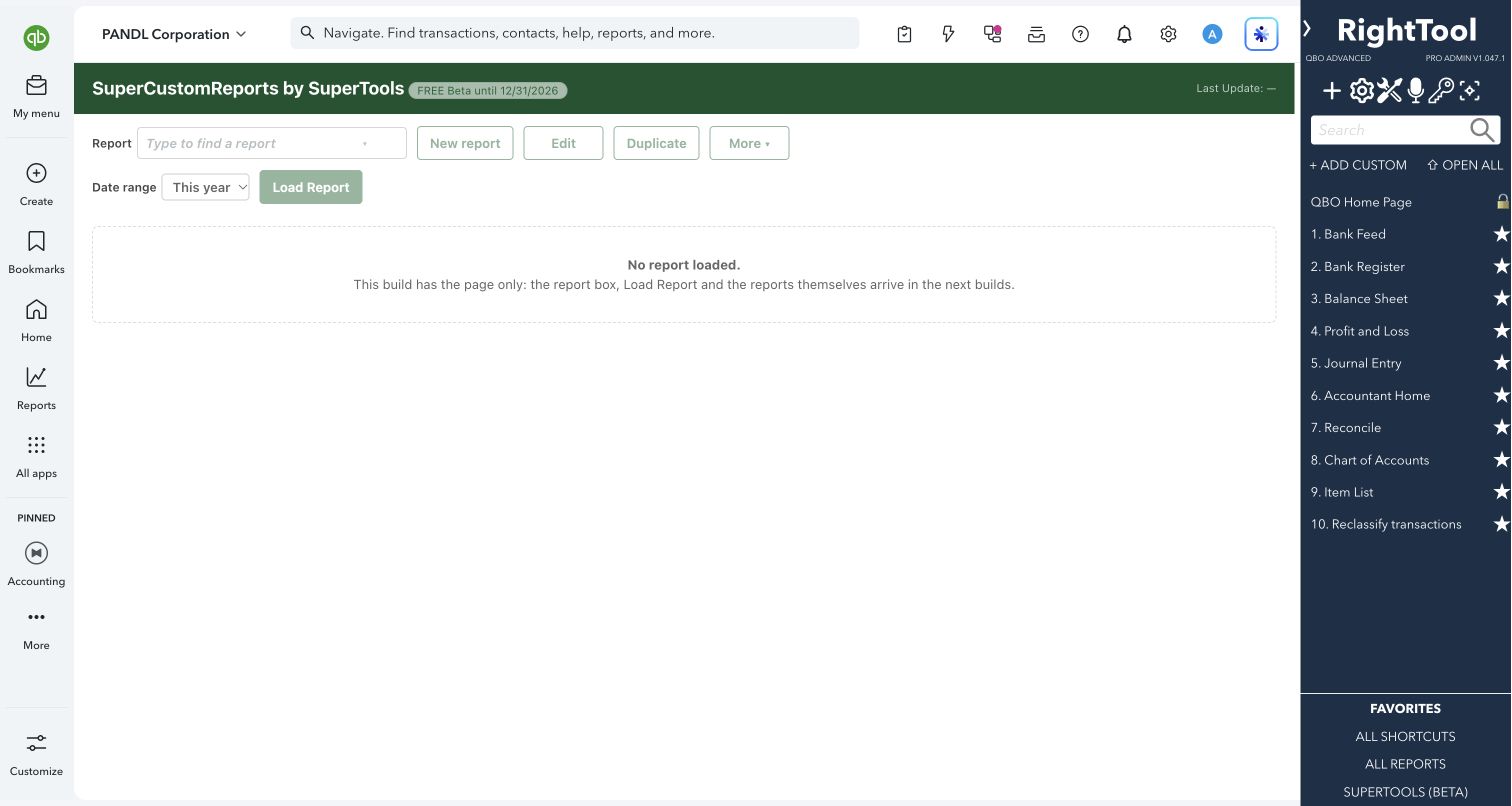
SuperReports LITE brings the standard reporting workspace to a free edition. Run supported summary, detail and list reports, compare results and drill into the numbers without changing the books.
Anyone who wants to explore standard QuickBooks reports without transaction editing.
SuperReports LITE is not publicly available yet. This guide previews the planned features.
What you can do
- Choose supported standard summary, detail and list reports.
- Adjust available report dates and filters.
- Compare reports and drill into supporting details.
- Export report results for work outside QuickBooks Online.
Why it makes a difference
- Free reporting workspace.
- Read-only access enforced in the tool.
- The same shared reporting engine as SuperReports.
Put it to work
- Review a Profit and Loss alongside a Balance Sheet.
- Explore a balance through its supporting transactions.
Safe by design
LITE does not enable transaction editing. Review incomplete-report notices before relying on or sharing an export.
Good to know
Super Summary templates, comments, highlights, saved views and editing belong to full SuperReports. Available reports and data depend on your QuickBooks company, subscription and permissions.
How to open it
Coming Soon — not publicly available yet.
Install the SuperTools extension, then open the SuperTools S menu in QuickBooks Online, choose Home, and enable the tool there.
View beta setup steps